
Theater Ears
17 September 2026
Enjoy movies in Spanish at Xscape Theatres!
¡Disfruta de películas en español en Xscape Theatres!

Xscape Theatres is excited to support TheaterEars, the free mobile app that lets you hear Hollywood movies in Spanish right in the theatre!
Whether you're more comfortable watching films in Spanish or want to enjoy a movie night with Spanish-speaking family and friends, TheaterEars makes it easy. Just bring your phone, your earbuds or headphones, and you're ready!
Watch movies at the movie theater and listen to Spanish audio in real time with your headphones and the TheaterEars app.
 |
.jpg) |
Here's how it works:
Así es como funciona:
Así es como funciona:
 |
1. Download the free TheaterEars App to your phone. Descarga la aplicación gratuita TheaterEars en tu teléfono. |
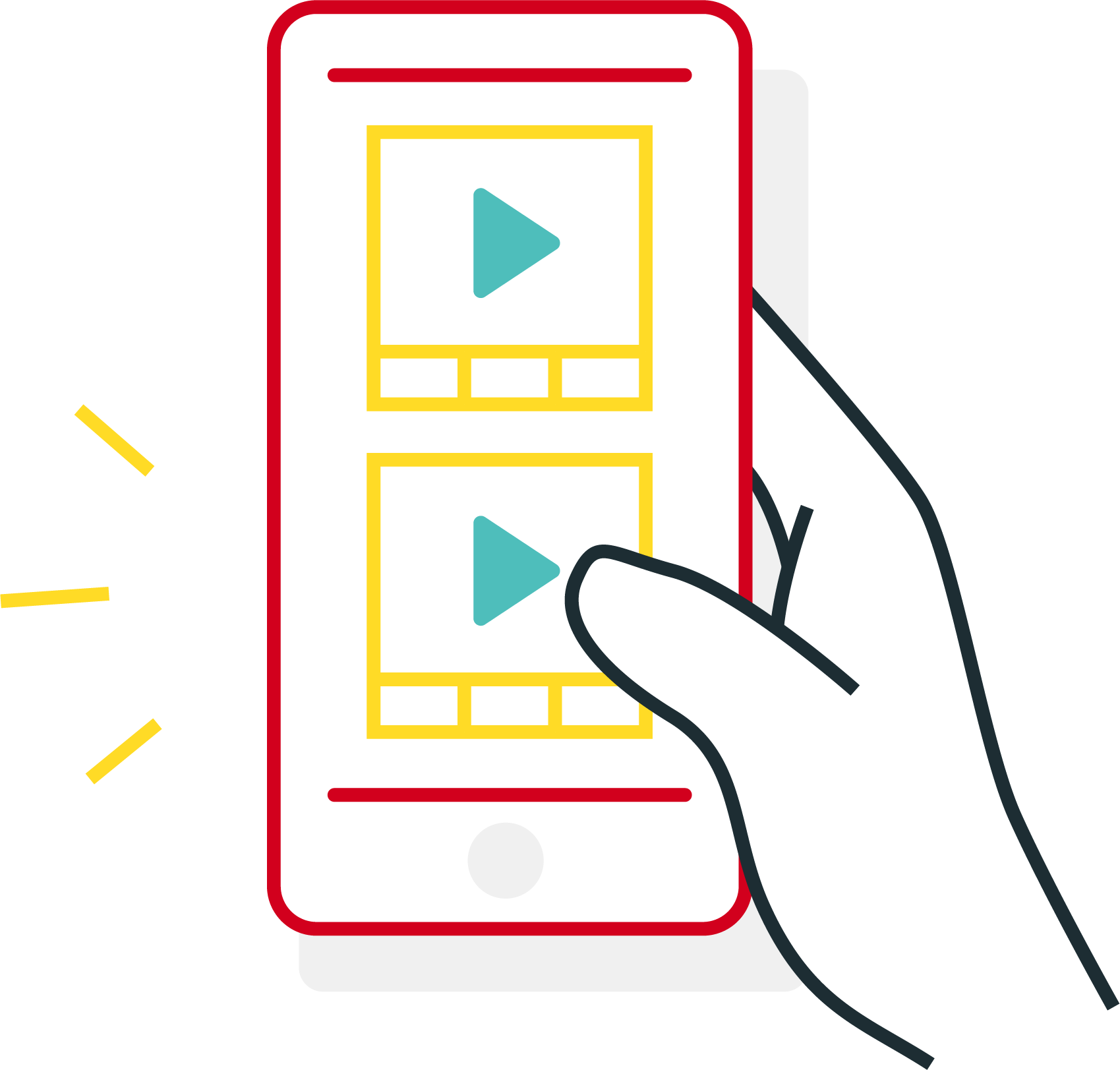 |
2. Choose your Xscape Theatres location, the movie you want to see, the showtime that you will attend, and the language (Spanish). Elige tu ubicación de Xscape Theatres, la película que deseas ver, el horario al que asistirás y el idioma (español). |
|
3. Download the audio track before you get to the theatre. Descarga la pista de audio antes de llegar al teatro. |
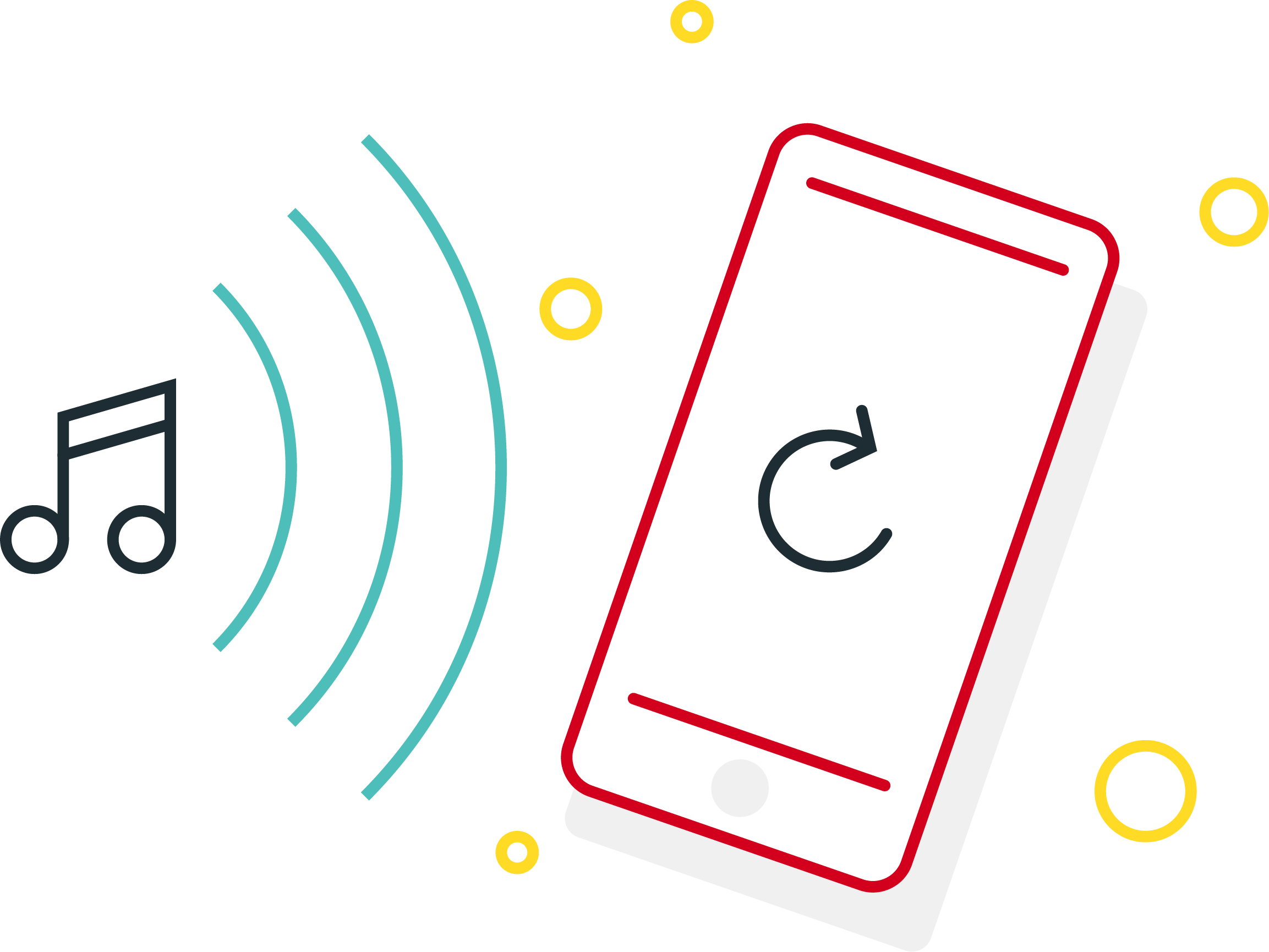 |
4. Sync when the movie starts. TheaterEars listens to the movie and plays the Spanish audio in real time through your earbuds or headphones. Sincroniza cuando comience la película. TheaterEars escucha la película y reproduce el audio en español en tiempo real a través de tus auriculares o audífonos. |
 |
5. Enjoy the movie! Listen to the Spanish audio while the movie plays on the screen. ¡Disfruta de la película! Escucha el audio en español mientras la película se reproduce en la pantalla. |
Why use TheaterEars?
- Perfect for Spanish-speaking guests.
- Works at all Xscape Theatres locations.
- Free to use and enjoy!
THINGS TO REMEMBER
-
Bring your phone and headphones, and ensure your phone is charged to at least 40% before entering the theater.
-
Download the TheaterEars app from the App Store, Google Play, or theaterears.com/download and complete the in-app tutorial.
-
Enable location and microphone access—you don’t need internet during the movie, but you'll need it beforehand to download the app, get the movie, and verify your location.
-
Download the movie to your phone via the TheaterEars app before arriving; it typically takes 1-5 minutes with a strong connection.
-
The app works at any point in the film, even if you arrive late or leave. Just press Play to sync, and re-sync if you're gone for a while.
-
Change your theater/showtime by scrolling on the home screen and selecting your preference.
-
Having issues? Force close and reopen the app, check for updates, or reinstall. For playback or sound problems, restart your phone or adjust the volume in-app or on your device.
|
|
But wait, there's more!
For select titles, TheaterEars also offers:
- French Canadian Audio
- Hearing Impaired Audio in English
- Audio Description - English
- Director's Experience Commentary
Director's Experience with Theater Ears
After you've seen the movie once, come back for a second viewing and sync with the Director's Experience to get exclusive real-time filmmaker commentary with behind-the-scenes details, creative insights, and stories from the movie set. It's a premium theatre experience without the upcharge! Only available for select titles. English audio.
Follow TheaterEars
 |
.png) |
.png) |